Stick drift on PS5? The 30-second test that settles it
Nov 12th '26 7:34am:
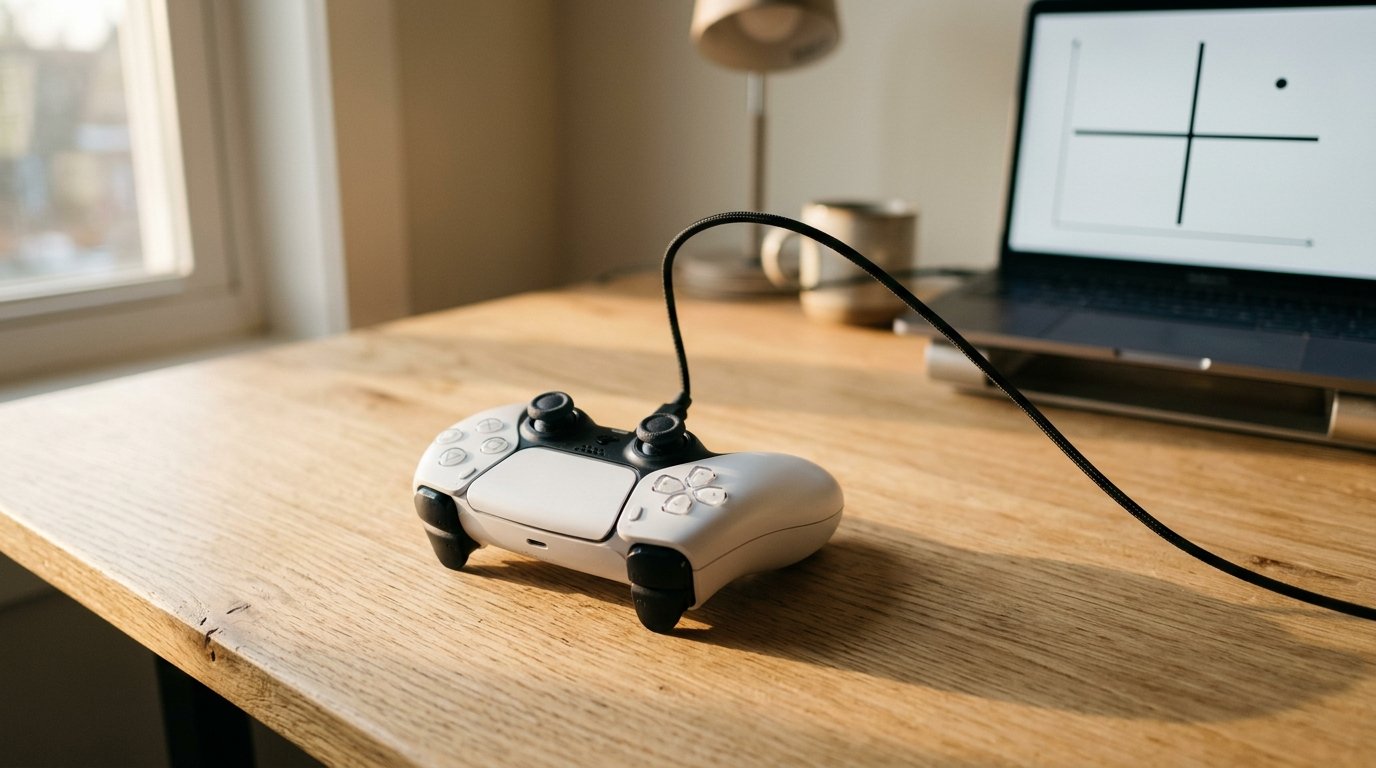
Some drift disappears when you switch games. A shooter's camera slides to the right on its own, the owner is already pricing a new DualSense, opens a different title and the problem evaporates. Then there's the opposite case, the sneakier one: the pad feels flawless everywhere because every game swallows the offset with its own deadzone, while the wear keeps working away inside.
Both cases share a root. The game is a bad measuring instrument.
### The game filters, the browser doesn't
When you let go of the stick, a spring pushes it back to center, and in that position the pad should register nothing. That's how BGR describes the mechanism. Drift is what happens when that resting point stops being zero. According to Best Buy Canada's support guide, the possible causes are dirt, wear or physical damage, and the same page warns that you can't pin down the exact cause from the symptom alone. That should be enough to temper any diagnosis made by feel.
Then there's the layer players don't see. Every game applies its own deadzone, a margin around the center inside which it ignores what the stick says. iFixit, on its DualSense drift page, admits that raising that deadzone compensates for the problem precisely because it discards readings that would count as drift. Compensating isn't curing. A game with a generous margin can hide a stick that's already halfway to the bin, and a game with a tight margin, or with aim assist that amplifies tiny movements, can make a healthy stick look sick.
This is where Gamepad Tester comes in, a free tool that runs in the browser. According to the project's guide, the page shows raw Gamepad API values, before any in-game deadzone, which makes the test more honest than "it feels worse in ranked." A note on rigor: the person who supplied the material for this article is the tool's developer, so he has a stake in it, and he warns that he has no survey data with percentages to offer. What he brings is a method. I found that enough, because anyone can verify it in a minute.
### Thirty seconds, USB cable, hands off
Plug the DualSense into a computer over USB, open the test in a desktop browser and press any button so detection wakes up. Set the pad on a flat, still surface. No lap, no desk that shakes when someone walks past. The guide even says a washing machine in the next room can push the readings around.
Take your thumbs off both sticks, even the lightest touch, and wait at least 30 seconds. A single spike proves nothing, because drift is a pattern, not a moment. Record both sticks separately and note whether the offset is constant or wandering. Then unplug, plug back in and repeat. A reading that reproduces is real. One that vanished was noise or a connection problem.
Bluetooth works as a second opinion but never as the verdict. And it's worth closing games and overlays that hold exclusive access to the controller, or the page may not even see it. The guide also reminds you that the tool only shows what the operating system exposes to it, and doesn't rewrite firmware or the pad's memory.
### Reading the numbers without fantasies
A healthy stick sits near zero with a tiny flicker. A small, steady offset on one stick that shows up in every sample is the classic sign of early wear. A large offset that never settles points to advanced wear or dirt in the module. Both sticks rising together is usually the environment: a vibrating desk, a loose cable, a flaky Bluetooth link. The advice is to retest over USB before blaming the hardware.
What I find most useful in the guide is the comparison, not the absolute value. If the left stick rests at 0.02 and the right at 0.18, the right module is the story, even if the game is still playable. Trend also matters more than the snapshot: a stick that read 0.05 last month and reads 0.15 today is wearing out, even if 0.15 on its own looked borderline.
And it's rarely both at once. The guide says one stick usually wears first because most games load one side more, which seems reasonable (the movement stick gets used all the time). Hence the suggestion to keep a log, one line per test: date, stick, worst value, cable or Bluetooth, browser. One clean test on one day doesn't clear anyone either, because dirt, temperature and connection quality make drift come and go. Repeat it on another day.
### Five drifts that aren't the same drift
Constant: the stick parks away from center, which the guide ties to wear or a damaged spring. Wandering: the resting point drifts slowly on its own, usually dirt or a degrading sensor. One-axis: only up-down or only left-right, which points to an axis sensor and not the whole module. Intermittent: fine for minutes, then suddenly it creeps, and before opening anything it's worth suspecting the cable, the port and wireless interference.
The fifth is drift that only exists in one game. Almost always that's the game's deadzone or aim settings and not the hardware. The guide's tiebreaker is simple: if the browser shows a clean idle, the pad is fine. The reverse, as we saw, doesn't hold. A quiet game clears nobody.
### Calibration on the console? The sources disagree
Once drift is confirmed, the first round is the least dramatic. Best Buy Canada's guide lists a controller reset (the little hole on the back) and updating the DualSense software, under Settings, Accessories, Controller (General), as low-risk first steps. iFixit says to hold the reset button for at least 5 seconds with a paperclip. Both sources warn this won't repair a worn part. Best Buy also treats the "stick rotation" trick as unofficial, with little evidence behind it.
As for cleaning around the base of the stick, Gamepad Tester's own guide says to blow out debris carefully and not to soak the module. reWASD mentions 90%+ isopropyl alcohol on a swab, applied only around the base.
Then comes the part where the internet can't agree. Some guides, like the one from 3zebras, tell you to recalibrate the stick in the PS5 settings. Technobezz (July 2026) and reWASD say the opposite: Sony's support documentation lists no stick recalibration tool for the standard DualSense, only updating, resetting and repair. I side with the second camp because two sources describe the same thing, but I couldn't confirm it on Sony's official page, and anyone with the menu open in front of them can correct me. Third-party tools that recalibrate the center over USB do exist, and reWASD stresses that they compensate for slight offsets without repairing the wear.
If the pad is still under warranty, reWASD notes that the DualSense carries Sony's limited warranty in supported regions. And there's a historical detail that rarely shows up in these guides: in February 2021 the firm CSK&D filed a class action against Sony in New York on behalf of Lmarc Turner, who says he noticed the drift the day he bought his console, around February 5, according to NME. I saw no outcome in the sources I read, so I won't claim one. I also didn't find a reliable figure for how often the DualSense drifts, and I'd be wary of anyone putting it in a percentage without saying where it comes from. For the DualSense Edge, Technobezz says Sony supports replacing the stick module, which changes the math for anyone deciding between repairing and buying.
Thirty seconds sounds like too little to decide a controller's fate. Five, the guide says, is enough to catch a spike and mistake it for a verdict.
## Sources
- How to Check Stick Drift, Gamepad Tester, undated: https://www.gamepadtesterpro.com/guides/article.php?slug=how-to-check-stick-drift
- How to Fix PS5 Controller Drift, Best Buy Canada Blog, undated: https://blog.bestbuy.ca/video-games/how-to-fix-ps5-controller-drift
- DualSense Controller Stick Drift, iFixit, undated: https://www.ifixit.com/WIKI/DualSense_Controller_Stick_Drift
- Why Do PlayStation Controllers Get Stick Drift So Easily?, BGR, undated: https://www.bgr.com/2210194/why-do-playstation-controllers-get-stick-drift-easily/
- How to Calibrate a PS5 Controller Without Using the Wrong Fix, Technobezz, Jul 20, 2026: https://www.technobezz.com/how-to-calibrate-a-ps5-controller
- How to Fix PS5 and Xbox Controller Stick Drift, reWASD, undated: https://www.rewasd.com/blog/post/how-to-fix-stick-drift-without-replacing-controller
- Fix Controller Drift PS5, 3zebras, undated: https://3zebras.com/gaming-fixes/fix-controller-drift-ps5/15839/
- Lawsuit filed against Sony's PS5 DualSense for 'controller drift', NME, February 2021: https://www.nme.com/news/lawsuit-filed-against-sonys-ps5-dualsense-for-controller-drift-2881305
<br>Do you like our articles? Then sign up with your email address on the website (in the footer) to receive exclusive content.