ARC Raiders crashing or stuck on a black screen at launch? Here's what actually fixes it
Aug 26th '26 7:19pm:
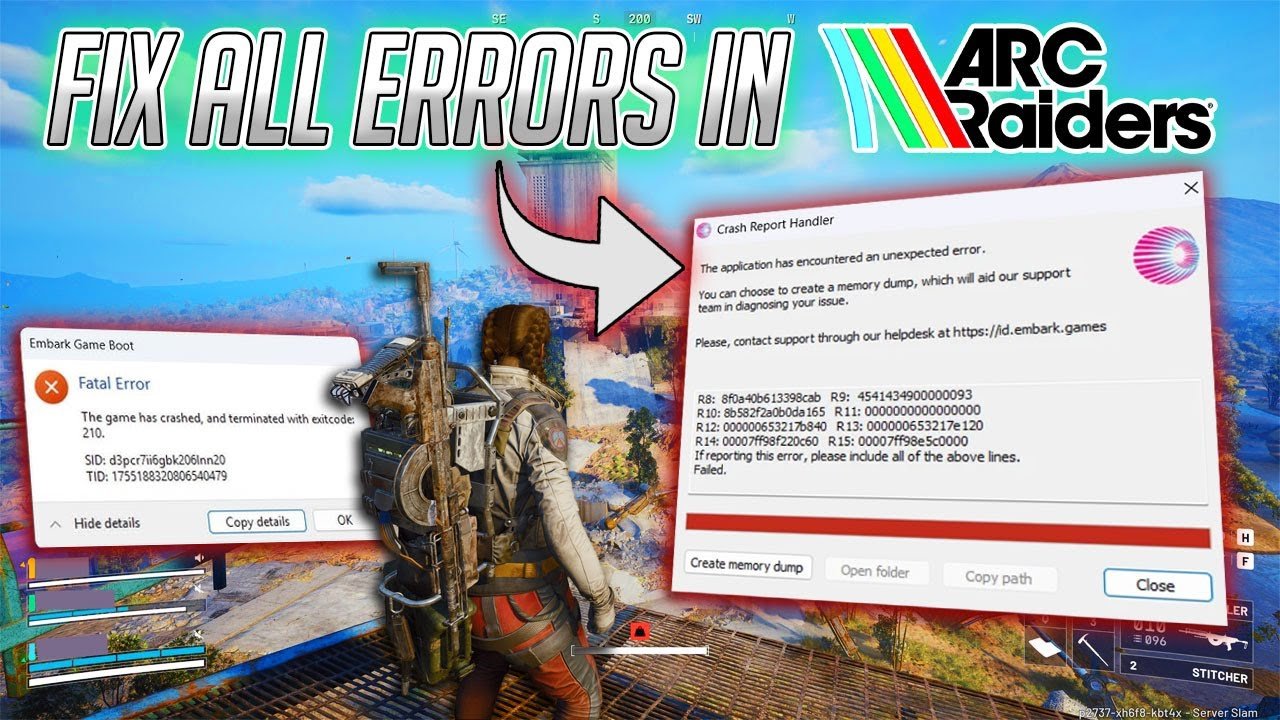
If you're reading this you've probably already tried reinstalling the game, updated Windows, crossed your fingers and hoped it'd just work — and it didn't. That's pretty common with ARC Raiders. The game runs on Unreal Engine 5 and it's noticeably more sensitive to certain PC settings than most titles you've played before. The good news is that in most cases the problem has a name, and it doesn't need a drastic fix.
<br>The first place to look is your graphics driver, especially if you're on NVIDIA. This surprises a lot of people because it sounds too simple — "it's already updated" — but the point isn't whether it's updated, it's which exact version you have installed. Very recent drivers, released just days ago, tend to cause issues specifically with new Unreal Engine 5 games before they "settle in," and this has been reported specifically with ARC Raiders causing black screens and UE5 crashes even on powerful machines. If the crashing started right after a driver update, the most reliable path is rolling back to the previous version instead of chasing the newest one available. And skip automatic optimizers like GeForce Experience in "auto" mode or third-party tools that promise to tune the driver for you — grab it straight from the manufacturer's site.
<br>After that, there's a somewhat hidden fix that solves it for a lot of people and almost nobody tries first: forcing exclusive fullscreen mode through Steam's launch options instead of leaving it on the default borderless windowed mode. It sounds like an irrelevant detail, but the game opening in borderless window mode ends up fighting for CPU and GPU priority with the rest of your system, and that's exactly what causes the black screen or the crash right at startup. Once you force exclusive fullscreen, the game gets normal priority again and the issue disappears in most reports.
<br>If it's still crashing after that, it's worth testing two launch parameters (Steam, right-click the game, Properties, Launch Options): `-dx11`, which forces DirectX 11 instead of 12 — some Unreal games just don't get along with DX12 depending on your hardware combo — and `-noeosoverlay`, which disables the Epic Games Launcher overlay, already flagged in some reports as a source of rendering conflict right at load time.
<br>There's also the classic case of the game freezing right on the EAC screen — Easy Anti-Cheat — before it even reaches the menu. This is almost never the game's own fault; it's EAC clashing with some third-party software running in the background. Motherboard RGB software like Asus Armoury Crate or MSI Mystic Light are usual suspects here, along with recording and streaming overlays. Worth reinstalling/repairing EAC directly from the game's install folder and verifying file integrity through Steam before trying anything else.
<br>And it doesn't hurt to mention the obvious thing people sometimes skip: if your PC only meets the minimum requirements, running at 1080p on low or medium settings is expected, and that alone shouldn't cause a crash — but combined with an outdated driver or the wrong fullscreen mode, it's the kind of thing that pushes the system to its limit and takes the game down right at launch.
<br>One thing worth avoiding: reinstalling Windows from scratch. It's the first advice that shows up in any forum thread, and in this specific case it practically never fixes the actual cause — it's a huge amount of work for a result you'd probably already get just by fixing the driver or the fullscreen setting. Updating DirectX by downloading that old Microsoft installer also makes no difference on modern Windows, since DX12 already ships built into the system — that's a leftover piece of advice from 2014-era games that still floats around forums. And disabling your antivirus entirely isn't necessary either — just adding the game's folder to the exceptions list clears up the false positives.
<br>Testing in this order — driver, then exclusive fullscreen, then the launch parameters, and only then messing with EAC — clears up most cases within the first two steps. And if the game starts crashing again after some future update, whether it's ARC Raiders itself or a new NVIDIA driver, this is basically the same checklist you'll need to run again.