The Forgotten Ritual of Editing DOS Files Just to Play a Game
Jul 29th '26 5:50pm:
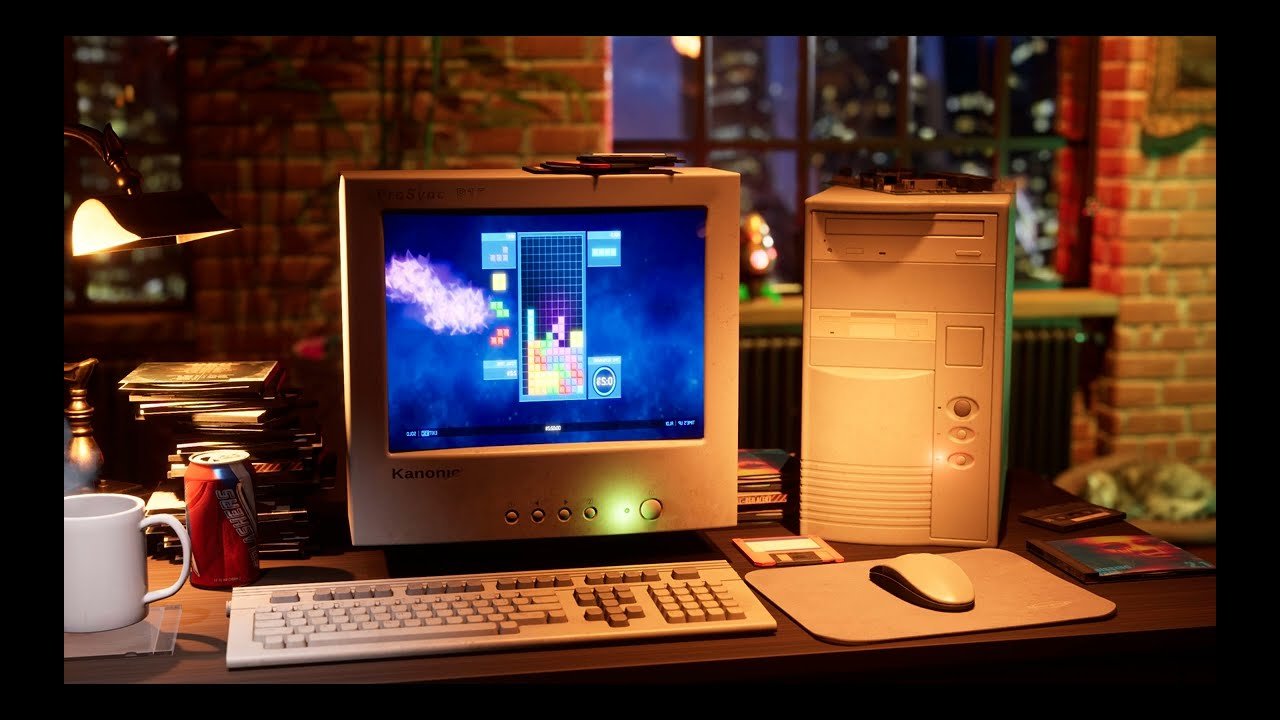
Anyone who only got into computers after, say, 2005 probably has no idea what installing a PC game in the 90s actually involved. It wasn't just popping in the floppy or the CD, clicking next a few times, and you're done. There was a good chance you'd have to edit system files by hand just to get the game to boot, and even then it didn't always work on the first try.
The root of the problem was MS-DOS and a limit that sounds almost ridiculous today: 640KB of conventional memory. That was all the space programs had to work with, no matter if your machine had 4MB or 16MB of RAM installed. The rest was there, but DOS didn't really know what to do with it without help. And the more demanding games of the era, especially from around 93, 94 onward, needed almost all of that free space just to run without crashing.
This created a very specific problem: things were competing for the same tiny space. Mouse drivers, CD-ROM drivers, sound card drivers, all of that loaded into conventional memory and ate away at whatever little was left. It wasn't unusual for someone to keep three or four different boot disks, each one set up for a specific game, because one needed the sound driver loaded and another simply didn't have room for that plus everything else.
And here's the part that most people from that generation remember with a mix of nostalgia and mild trauma: editing CONFIG.SYS and AUTOEXEC.BAT. These were two plain text files that DOS read on startup, where you defined which drivers to load, with what parameters, in what order. There were lines like DEVICE=HIMEM.SYS or DEVICE=EMM386.EXE that, if you were lucky, freed up extra memory through EMS or XMS. If you weren't lucky, the game would simply refuse to start with a message as unhelpful as "insufficient memory," without telling you how much was missing or why.
The hardware side didn't help either. There was no standard like there is today. Every sound card had its own IRQ and port address, often set physically with jumpers on the card itself, and you had to know those values by heart to enter them when the game asked. Sound Blaster was usually IRQ 5, port 220, DMA 1, but this varied, and if some other peripheral was already using that IRQ, you got a conflict and no sound at all. Plug and play only really arrived with Windows 95, and even then it took a few years to become genuinely reliable.
There was also that classic dilemma of having to choose between sound and memory. Some games were so demanding that if you loaded the sound card driver first, you wouldn't have enough memory left for the game to run. The solution, more often than not, was just giving up on sound to be able to play at all. I remember a friend of mine who spent an entire afternoon hunting for 4KB of free memory just to get sound and the game running at the same time, and in the end it turned out he only needed to swap the order of two lines in AUTOEXEC.BAT.
There were tools that helped with this, MemMaker from MS-DOS 6 is probably the most remembered one, which tried to automatically optimize driver loading to free up as much memory as possible. It helped, but it wasn't magic, and sometimes it even made things worse if the game had very specific requirements.
At the end of the day, all of this forced an entire generation to understand, even if just out of necessity, how the computer worked under the hood. There was no way around it: either you learned the basics of memory and IRQs, or you didn't get to play. It feels distant today, almost like a lost craft, but honestly I think there was something good in all that friction. Nobody installed a game back then without understanding at least a bit of what was happening behind the scenes.